A mobile app and self-hosted server for managing Claude Code sessions from your phone. Create sessions, stream output in real-time, approve or deny tool use with a tap, and stay on top of everything with rich push notifications — all without exposing a single port to the public internet.
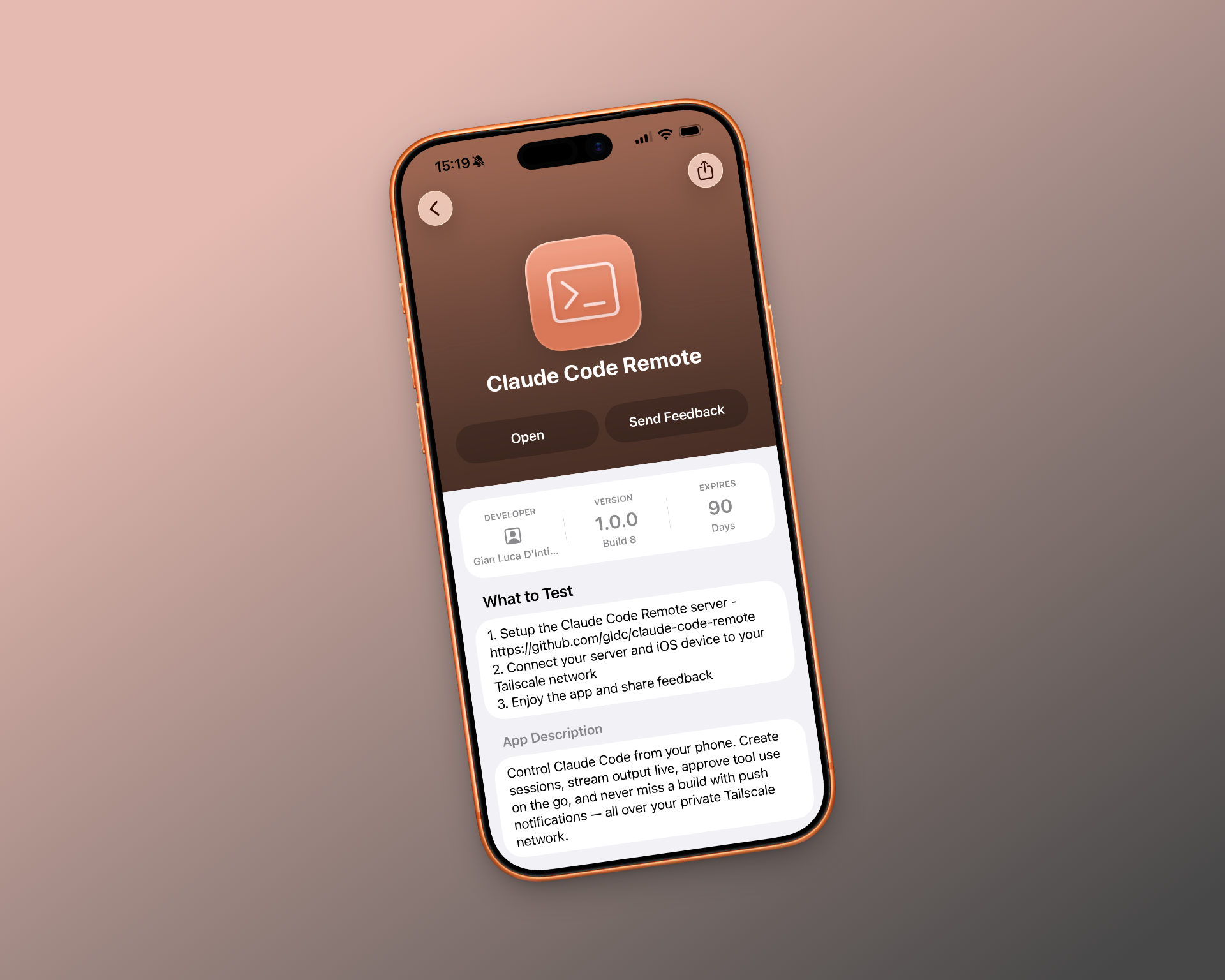
The iOS app is live for testing. Set up the server, join the beta, and control Claude Code from your phone.
Join the Beta
Why It Exists
Claude Code is powerful, but it's a CLI tool. When you step away from your desk, long-running sessions go dark. Tools wait for approval. Teammates wait for you. You come back to a stalled pipeline and lost momentum.
Claude Code Remote puts your sessions in your pocket. You get notified the moment a tool needs approval, review the request in context, and respond — all from your phone. Your agents keep moving. Your team keeps shipping.
How It Works
The system has two parts: a server that wraps Claude Code's machine-to-machine protocol, and an Expo React Native app that connects to it.
The server runs on your own hardware — a home lab, a VPS, a spare laptop. It manages session lifecycle, persists message history, streams output over WebSockets, and forwards push notifications through Expo's notification service. Every session runs in its own isolated process with configurable guardrails.
The app connects over your private Tailscale network. You get a live view of any session: streaming markdown output, inline tool approval cards, slash commands, cost tracking, and context usage meters. Create new sessions from templates, browse projects, and manage everything from a single interface.
Privacy First
There is no cloud relay. No third-party proxy. No account to create.
Your code, your prompts, and your session history never leave your network. The app connects directly to your server over Tailscale's WireGuard mesh — encrypted end-to-end, NAT-traversing, zero-config. The server doesn't even bind to a public interface. If you're not on the tailnet, the server doesn't exist.
Push notifications are the one exception by design: they route through Expo's push service and Apple/Google's notification infrastructure. The notification payloads contain only what you need — session name, tool name, status — never code or prompt content.
Never Leave Your Team Waiting
Tool approvals are the bottleneck. A session hits a file write or a bash command, asks for permission, and blocks. If you're not at your terminal, everything stops.
With push notifications, you know within seconds. The notification tells you what tool is requesting approval and why. Tap it, review the full context in the app, and approve or deny. The session resumes immediately. You can be walking the dog and still keep a deploy moving.
Notifications are configurable per-session. Batch approvals keep noisy sessions from flooding your lock screen. Quiet sessions stay quiet.
Security
The server enforces session ownership so users can only access their own sessions. Every tool invocation requires explicit approval unless you've configured auto-approval rules — and those rules are scoped and auditable. There's no ambient authority.
The app communicates exclusively over your Tailscale network. There are no open ports, no public endpoints, and no attack surface exposed to the internet. Authentication is handled at the network layer by Tailscale's identity system.
Session processes run isolated from each other. The server validates all input, rate-limits where appropriate, and logs operations for review.
Open Source
Both the server and the app are open source. You can read every line, audit every request, and fork it for your own needs. Contributions are welcome.